Peggo - Record Mp4 and Mp3 from YouTube and SoundCloud for Free
The most popular way to record Mp3s and Mp4s from YouTube is the Peggo App. This app can use on the Android devices but not on the iOS devices. Peggo app has the ability to record videos instantly on your device as Mp3 or Mp4. This is not a YouTube downloader but you can do everything that you do with a YouTube downloader much easier. So here is your chance to download Peggo Apk latest version for yourself. This will be the last option you take to get YouTube videos to your device.
How to Record Mp3s and Mp4s from YouTube
Most of the YouTube downloading methods are now completely blocked. Therefore YouTube downloaders are not very useful these days. As a remedy for that, you can use a Digital Video Recorder. Peggo is the perfect DVR that you can use on your Android device. It can be downloaded easily and very easy to use. It records YouTube videos instead of downloading them. Therefore YouTube can't identify it to block the Peggo app. So you can still use it to get the YouTube videos on your device.
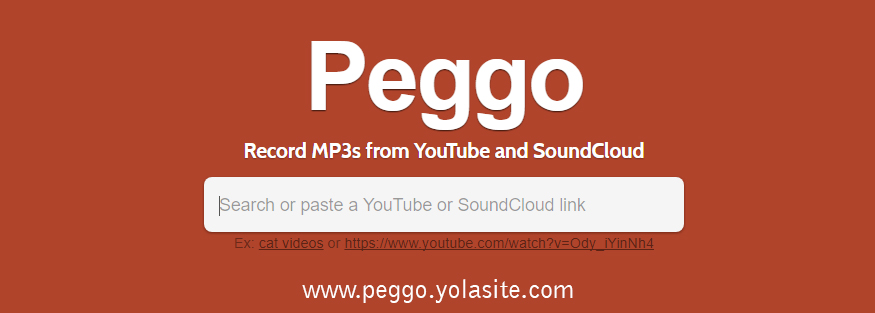
When you want to record a YouTube video you just have to copy the link to the YouTube video for your clipboard. After that, you have to open the Peggo App and paste the link into the search bar. Then the Peggo app finds the video and loads it for you. Then you will come to screen which has functions of recording. The first feature is choosing what the output is. If you want an Mp3 you have to select Record Mp3. If you want an Mp4 you have to select Record Video.
When after selecting the output you can trim the video as you want. You can set start and end point of the video. Then there are some other features that you can use. Finally, you have to click the Record button to start recording.

How to Record Mp3s from SoundCloud
Recording from SoundCloud is also exactly the same. You have to copy the link of the audio and paste it on the search bar of the Peggo app. The rest is same as the YouTube recording.
